Privacy-Focused Local AI: Our Hardware and Measured Workload
Published February 5, 2025 · Updated October 6, 2026 · David Ige
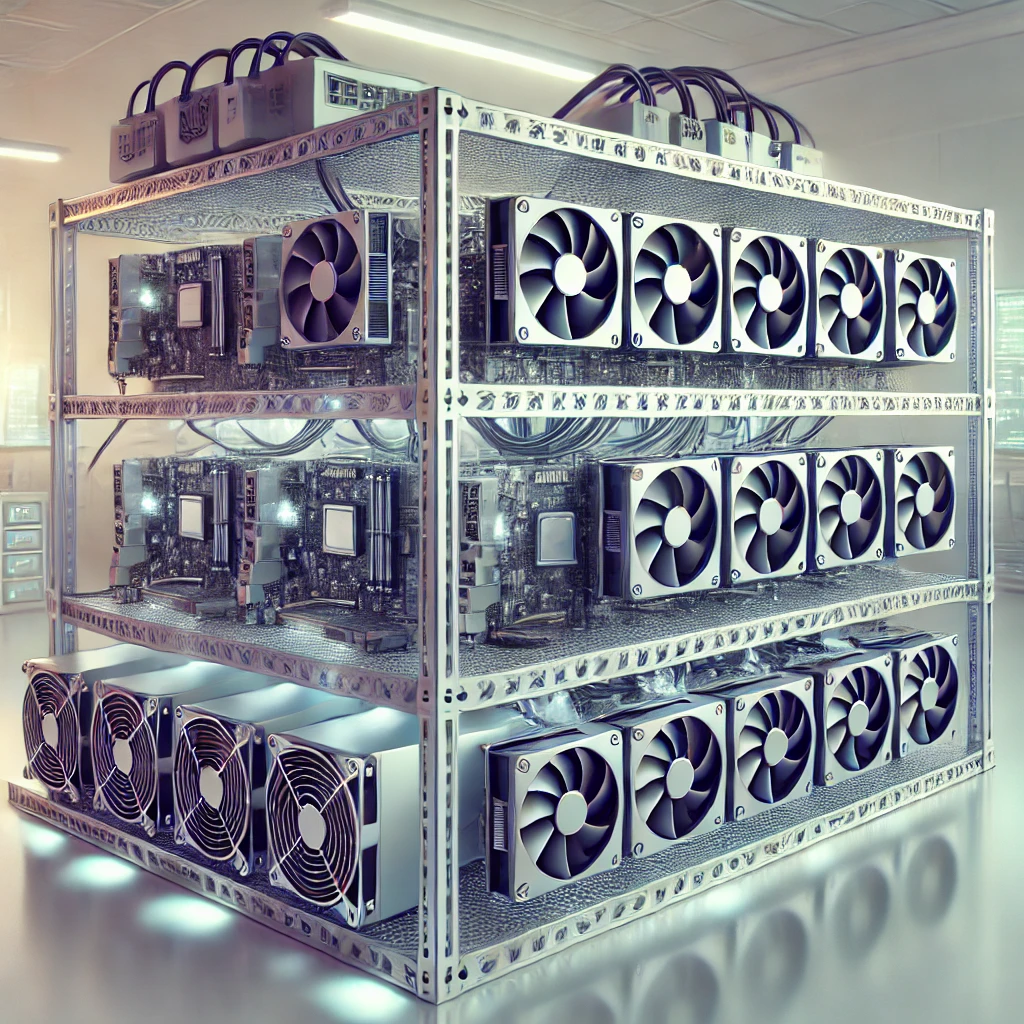
Reviewed October 6, 2026. This article now records the hardware visible on our local host. It is an inventory snapshot, not a proposed retail build. Parts that could not be identified locally are left unspecified, and model performance is not claimed without an actual inference run.
Observed local hardware
The original parts list paired an Intel Core i7-9700K with an AMD AM4 motherboard. That combination is incompatible. The local host reports an Intel Core i7-9700K with an ASUS PRIME Z390-P motherboard and BIOS 2820. ASUS lists the i7-9700K as supported on this board from BIOS 2203, so the observed pairing is compatible.
| Part | Observed locally | What is known |
|---|---|---|
| CPU | Intel Core i7-9700K | 8 cores, 8 threads |
| Motherboard | ASUS PRIME Z390-P | BIOS 2820 reported by the host; ASUS lists i7-9700K support from BIOS 2203 |
| System memory | 46 GiB visible to Linux | The exact DIMM kit and physical configuration were not identified |
| Graphics cards | 2 × GeForce RTX 3080 Ti, 12 GB each; 2 × GeForce RTX 3060, 12 GB each | Each card has its own memory. Four cards do not create one automatically shared 48 GB pool |
| Other parts | Not identified in this review | PSU, case, storage, and exact memory kit are not specified |
This is a multi-GPU workstation inventory, not a recommendation to assemble the same combination. Whether a model can be split across cards depends on explicit support and configuration in the inference runtime.
Correct GPU name and memory limits
“RTX 4060 16GB” is not the correct product name: the RTX 4060 has 8 GB, while the 16 GB model is the RTX 4060 Ti. Neither model appears in this local inventory.
A 13-billion-parameter model stored at roughly one byte per parameter needs about 13 GB (12.1 GiB) for raw weights alone in an idealized 8-bit estimate. Quantization metadata and runtime buffers add overhead, and the KV cache grows with context length. Each local GPU reports 12,288 MiB (12 GiB), so a straightforward 13B 8-bit load is already larger than one card before those additional needs. Multiple GPUs only help when the runtime is configured to shard the model.
A measured local workload
An existing evaluation from September 20, 2026 records a local vLLM run using the Behavioral Annotator’s fine-tuned Qwen3.5-2B student-v2. This measures structured function annotation, not general chat or coding performance. The saved run evaluated 1,165 held-out function records with greedy decoding.
Measurement status: Unpublished internal measurement on the configuration below; not independently verified. Performance varies with model, context and runtime settings.
| Setting | Recorded result |
|---|---|
| Model and format | Qwen3.5-2B student-v2, merged bfloat16 weights; no 8-bit or 4-bit inference quantization |
| Runtime | vLLM 0.29.0; greedy decoding |
| Context | 10,240-token engine limit; the longest recorded prompt was 7,213 tokens; generation was capped at 1,600 tokens |
| Workload | 1,165 held-out function-annotation records, run through two vLLM worker shards |
| Hardware then | The period host inventory listed two RTX 3080 Ti 12 GB cards and one RTX 3080 10 GB card; the saved record does not map each worker shard to a specific card |
| Throughput | 2,405 generated tokens per second per GPU on average; 0.25 seconds per record per GPU on average |
| Peak VRAM | Not recorded. The run set vLLM gpu_memory_utilization to 0.88. Its startup log reports 3.56 GiB for model loading; neither value is a measured peak GPU-memory figure. |
The throughput is from a batched, multi-GPU annotation workload recorded before the current four-card inventory above. It is not a single RTX 3060 result or a general-purpose generation rate. No new benchmark was run for this revision. See the Qwen3.5-2B model card and vLLM documentation for the model and runtime.
Privacy checklist for local inference
Running a model on hardware you control can reduce exposure to a hosted model provider. It does not prove that an entire application stays local. Check each data path:
- Model and endpoint: Confirm whether inference uses a local process, a hosted API, or an OpenAI-compatible remote endpoint. Review provider retention and training terms for prompts, uploaded files, and outputs.
- Integrations: Inventory browser search, MCP servers, plugins, telemetry, update checks, and tools that can send data elsewhere. A local model can still call a remote integration.
- Logs: Check the application, model server, shell, proxy, and diagnostic logs for prompts, command output, paths, and credentials. Set retention and deletion rules.
- Backups and sync: Include model caches, chat history, assessment files, and exports in the review. Encrypted local disks do not automatically encrypt cloud backups or shared folders.
- Network boundary: Start with synthetic or approved data. Restrict outbound access when the workflow does not need it, and verify the boundary instead of assuming it.
Local inference is one privacy control. Provider settings, integrations, logs, backups, and network access still determine where data can go.
Current Nebula note
The previous Nebula description is stale. Current Nebula documentation describes a security workbench with optional local or hosted model providers. As of this review, Nebula 3 is available as a preview release. Check the current guide and published releases before use; a local model does not make hosted integrations private.